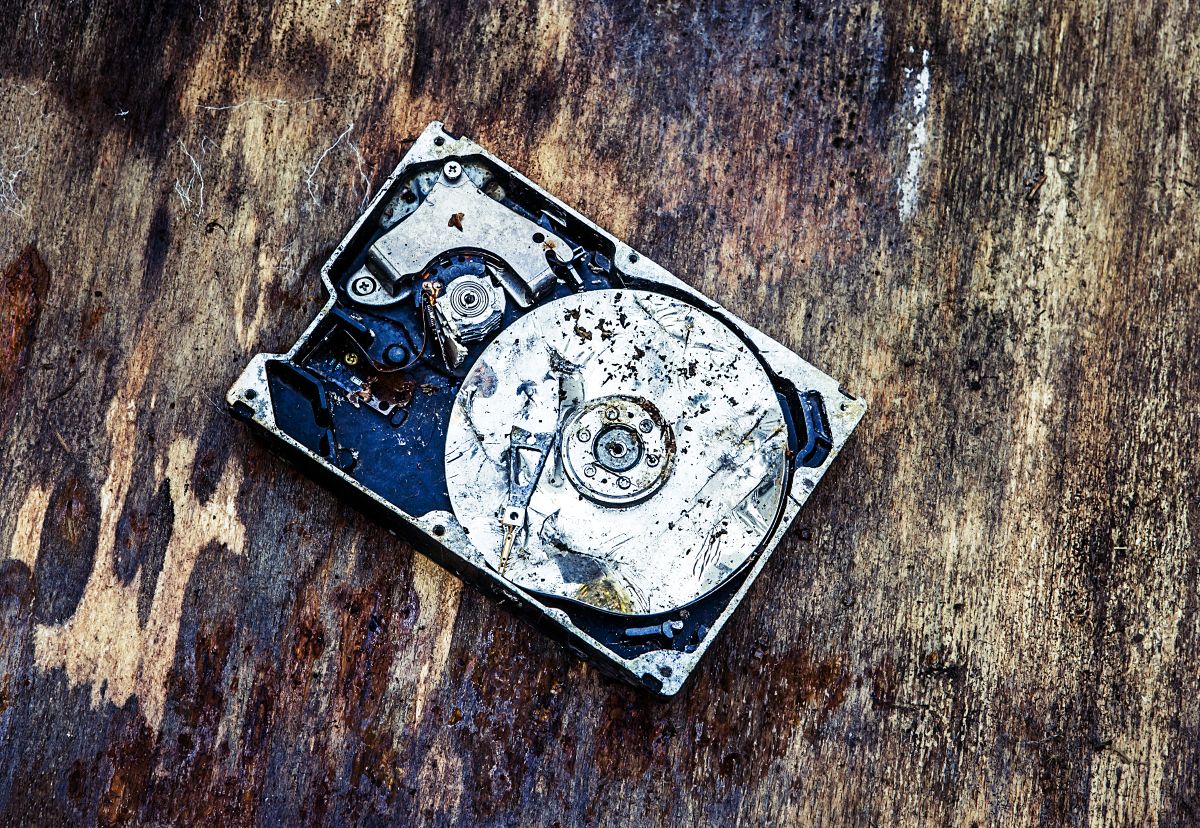
After a house fire, one of the most urgent concerns homeowners and business owners have is not just property damage — it’s data loss. Computers, laptops, external drives, and servers often contain irreplaceable information: family photos, financial records, business files, creative work, and personal memories accumulated over years.
Many people assume electronics exposed to fire or smoke are automatically destroyed. In reality, computers and hard drives can often be restored or recovered, even when they appear heavily damaged.
The key is understanding how fire damage affects electronics and acting quickly with professional contents restoration and specialized electronic recovery processes.
At Calgary Contents, we specialize in restoring valuable belongings after disasters, including delicate electronics affected by smoke, soot, heat, and water used during fire suppression. Our goal is to preserve both your equipment and, when possible, the data stored inside it.
This guide explains what happens to electronics during a fire, what determines whether restoration is possible, and what steps you should take immediately to improve recovery success.
Table of Contents
- How Fire Damage Affects Computers and Hard Drives
- The Biggest Threat Isn’t Always Flames
- Can a Hard Drive Survive a Fire?
- Signs Your Computer May Still Be Restorable
- Why You Should NEVER Turn On a Fire-Damaged Computer
- How Electronics Restoration Works
- The Role of Decontamination and Deodorization
- Data Recovery vs Device Restoration
- What Happens to Smoke Odour Inside Electronics
- When Electronics Cannot Be Saved
- How Insurance Handles Fire-Damaged Electronics
- What to Do Immediately After a Fire
- How Calgary Contents Helps Recover Electronics and Data
How Fire Damage Affects Computers and Hard Drives
Fire events impact electronics in multiple ways simultaneously:
1. Heat exposure
Even without direct flames, high temperatures can:
- Warp plastic components
- Damage circuit boards
- Melt internal connectors
- Degrade insulation materials
2. Smoke and soot contamination
Smoke particles are extremely fine and acidic. They enter devices through ventilation openings and settle on internal components.
3. Water exposure
Fire suppression efforts often introduce water or humidity, creating corrosion risks.
In many cases, smoke and corrosion cause more long-term damage than the fire itself.
The Biggest Threat Isn’t Always Flames
A computer located several rooms away from a fire may still fail later because of invisible contamination.
Smoke residue:
- Conducts electricity
- Traps moisture
- Causes corrosion over time
- Creates short circuits when powered on
This is why electronics that appear untouched may stop working days or weeks later if not properly cleaned and decontaminated.
Can a Hard Drive Survive a Fire?
Surprisingly, yes — often more than people expect.
Hard drives are designed with protective metal casings and internal tolerances that can sometimes shield data even when the outer device is damaged.
Recovery may be possible when:
- The drive was exposed to smoke but not direct flame
- External casing is damaged but internal platters remain intact
- Heat exposure was brief
- Water exposure did not fully submerge internal components
Even severely damaged computers may still contain recoverable data because storage components can sometimes be removed and processed separately.
Signs Your Computer May Still Be Restorable
Your electronics may be candidates for restoration if:
- There is smoke odour but minimal melting
- The device was not directly burned
- Screens are cracked but internal structure remains intact
- Power cables melted but main unit appears structurally stable
- Water exposure was limited or recent
Professional evaluation is required — appearance alone is not reliable.
Why You Should NEVER Turn On a Fire-Damaged Computer
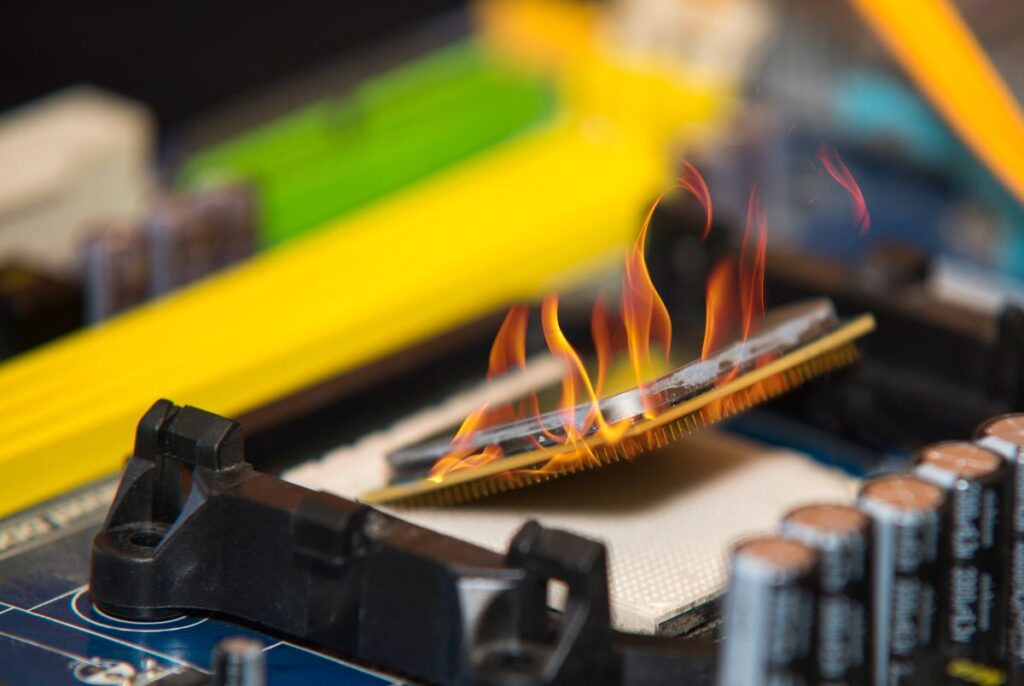
This is one of the most critical mistakes homeowners make.
Turning on a contaminated device can:
- Cause electrical shorts
- Permanently damage recoverable data
- Accelerate corrosion
- Destroy sensitive internal components
Even plugging in a device briefly can reduce recovery chances significantly.
Always leave assessment to restoration professionals.
How Electronics Restoration Works
Electronics restoration is a controlled, multi-stage process within contents restoration.
Step 1: Assessment and documentation
Devices are inspected and cataloged for insurance and recovery planning.
Step 2: Controlled disassembly
External casings may be opened to evaluate contamination levels.
Step 3: Specialized cleaning
Technicians remove soot and residue using:
- Precision cleaning solutions
- Anti-static techniques
- Ultrasonic cleaning for compatible components
Step 4: Drying and stabilization
Moisture is removed using controlled environments to prevent corrosion.
Step 5: Testing and evaluation
Devices are tested safely to determine functionality and data accessibility.
The Role of Decontamination and Deodorization
Smoke odour inside electronics is not just unpleasant — it signals contamination.
Professional decontamination removes:
- Acidic soot particles
- Conductive residues
- Microscopic debris affecting circuits
Deodorization ensures odour-causing compounds are neutralized rather than masked, preventing long-term indoor air quality issues.
Data Recovery vs Device Restoration
These are two separate goals.
Device restoration
Focuses on making the computer functional again.
Data recovery
Focuses on retrieving files even if the device itself cannot be reused.
In many cases:
- The computer may be replaced
- But the hard drive data is successfully recovered
This distinction is important for insurance and emotional recovery alike.
What Happens to Smoke Odour Inside Electronics
Electronics act like air filters during a fire.
Cooling fans pull contaminated air inside, allowing soot particles to settle on:
- Circuit boards
- Cooling systems
- Internal wiring
- Storage components
Without proper cleaning, odour may persist and components may degrade over time.
When Electronics Cannot Be Saved
Restoration may not be possible when:
- Devices were directly burned
- Internal components melted
- Severe corrosion occurred
- Prolonged water immersion damaged storage media
Even then, data recovery may still be attempted depending on damage severity.
How Insurance Handles Fire-Damaged Electronics
Insurance companies typically evaluate electronics based on:
- Restoration cost vs replacement cost
- Safety after decontamination
- Likelihood of long-term reliability
Professional contents restoration documentation helps insurers determine whether restoration or replacement is appropriate.
What to Do Immediately After a Fire
If electronics were exposed to smoke or fire:
- Do NOT power devices on
- Do NOT attempt cleaning with household products
- Avoid opening devices yourself
- Photograph equipment for documentation
- Keep items in a dry, stable environment
- Contact a contents restoration specialist promptly
Early intervention greatly increases recovery success.
How Calgary Contents Helps Recover Electronics and Data

Calgary Contents provides specialized support for fire-damaged electronics through:
- Careful pack-out and inventory documentation
- Professional electronics cleaning and decontamination
- Odour removal and deodorization
- Coordination with data recovery specialists when required
- Secure storage during property restoration
- Organized pack-back once your home is ready
We understand that electronics often hold your most valuable memories and essential information — and our goal is to recover as much as safely possible.